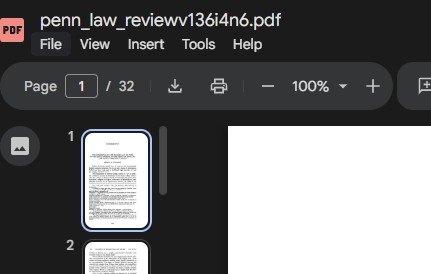
How to add PDF from Google Drive in the Website page
Step 1:
Double click the pdf file in the google drive.
take the mouse in the three dots (for more actions) (in the upper tight corner)
then click the (open in new tab)
Select the file tab (in the top left corner)
then select the share and then get emebd link
……
Step 2
then open the website page
then, open the embed option by add block option
then clcik embed> then code snippet > then Add Code.
Done.
now go back and open the webpage.